
The Meeting Owl app will allow you to lock Meeting Owl's Stage on a specific region. To use this feature, follow the steps below.
- Start a meeting with your Meeting Owl.
- Open the Meeting Owl app.
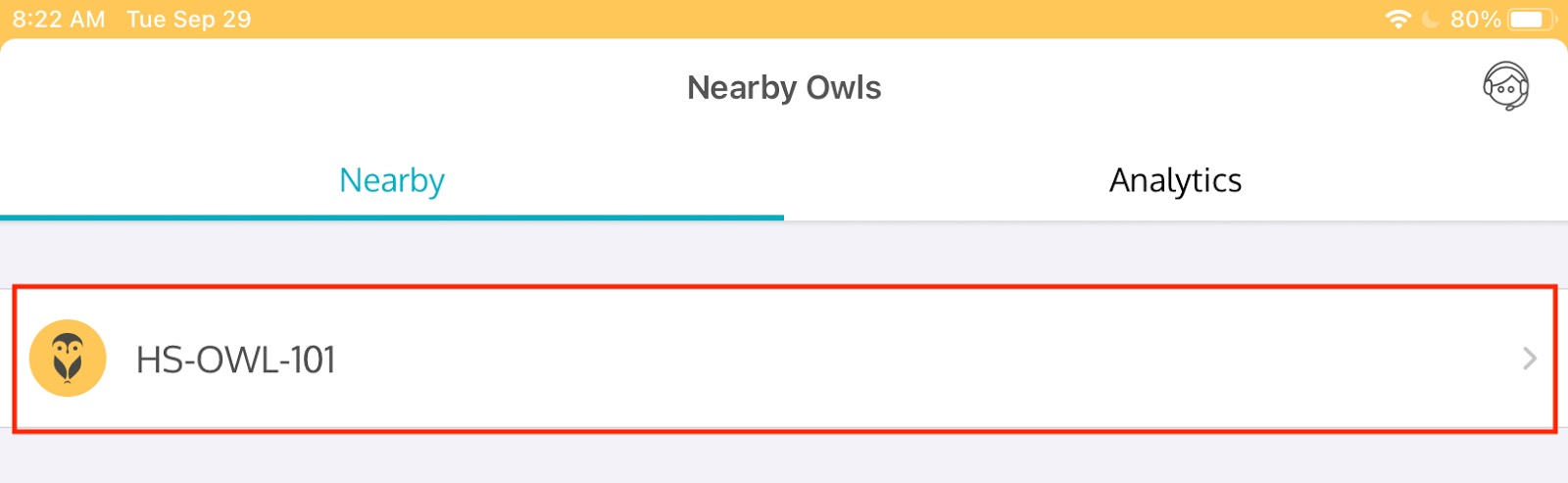
- Select your Owl from the Nearby Owls list.
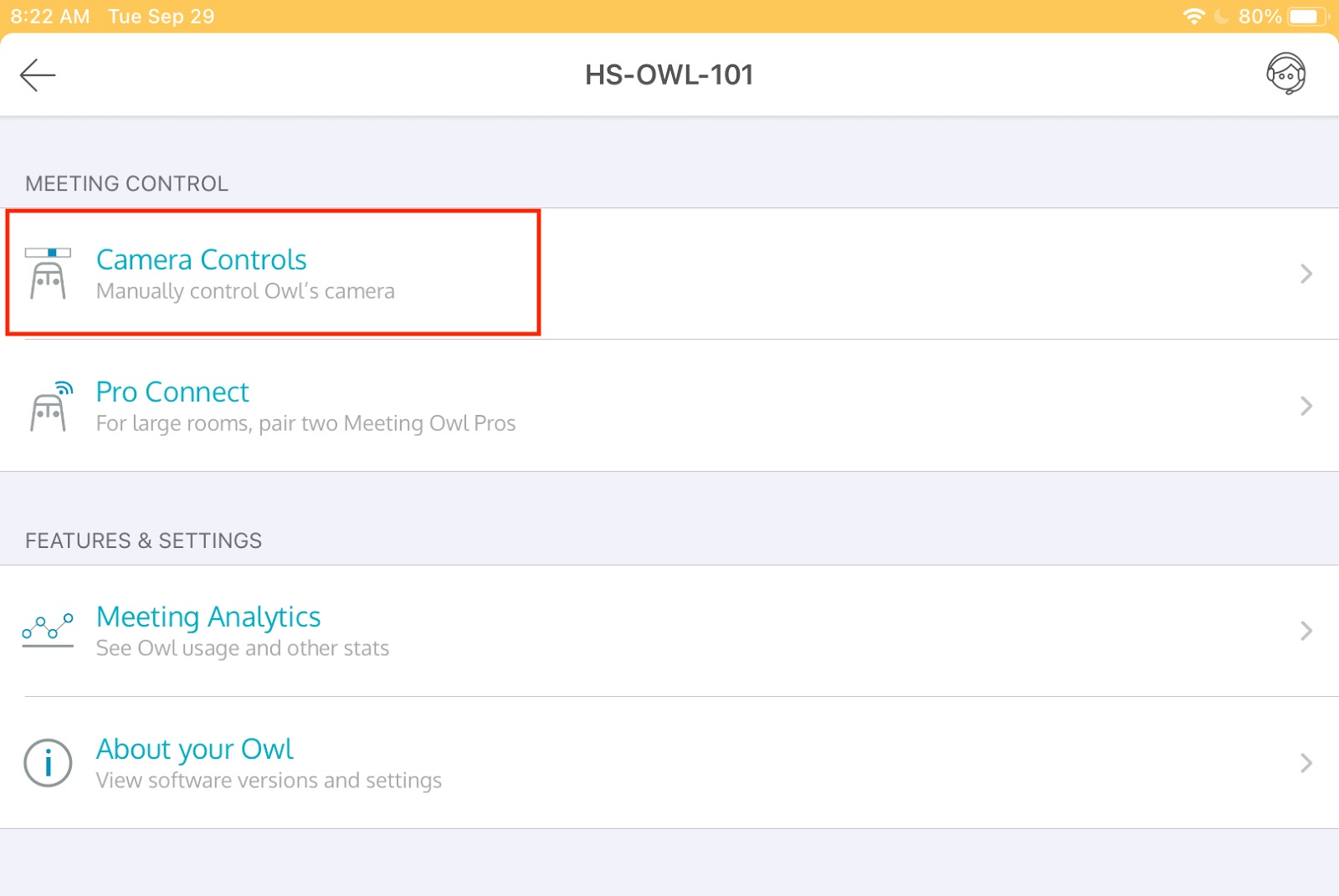
- Select Camera Controls.
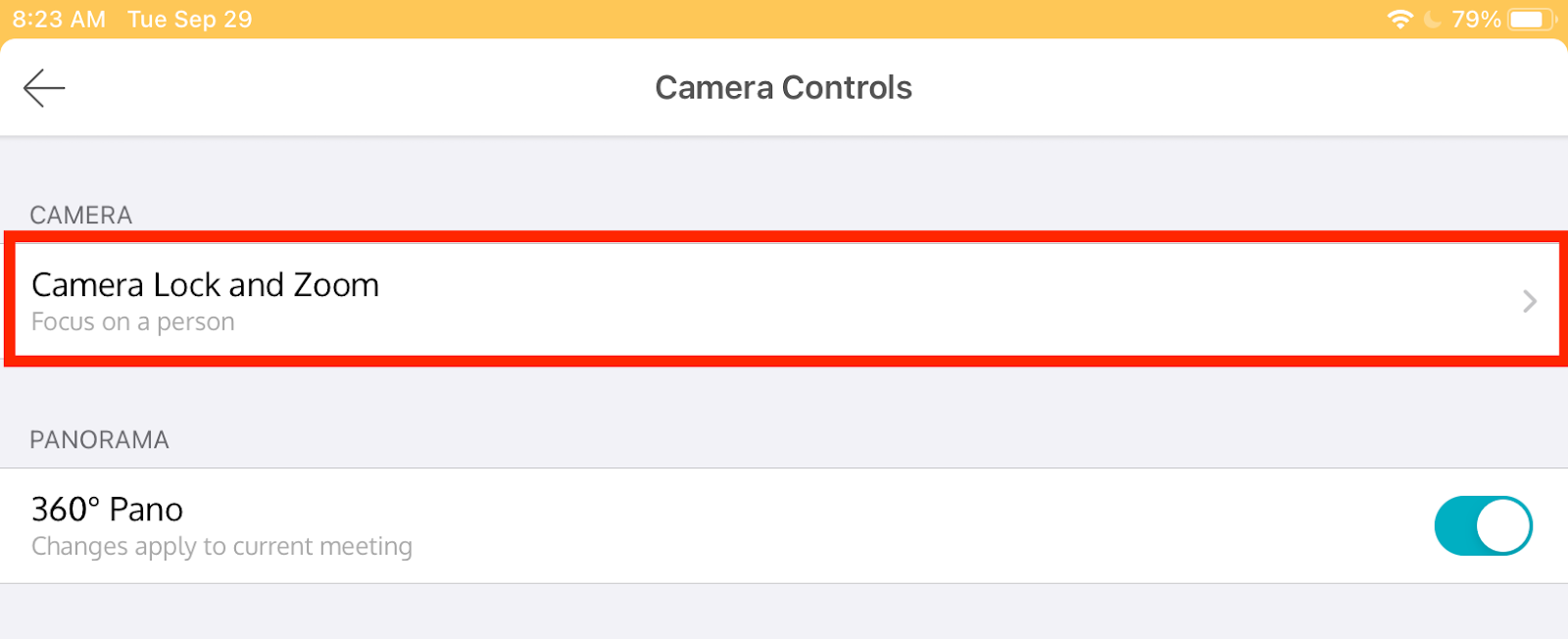
- Select Camera Lock and Zoom.
- Select Take Control.
- Move the slider back and forth to select an area you would like to see locked to the screen.
- To reset, select Reset to Auto Focus.
Comments
0 comments
Please sign in to leave a comment.