
Getting to the Enrollment Page
Safari
- Go to https://jss.hershey.k12.pa.us:8443/enroll/ on your MacBook using Safari
- Click on Show Details
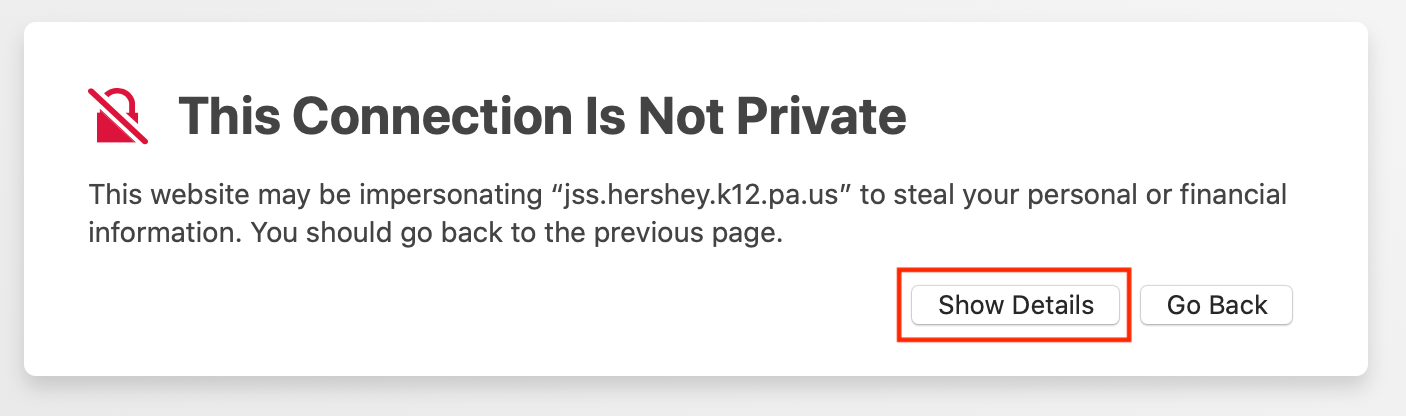
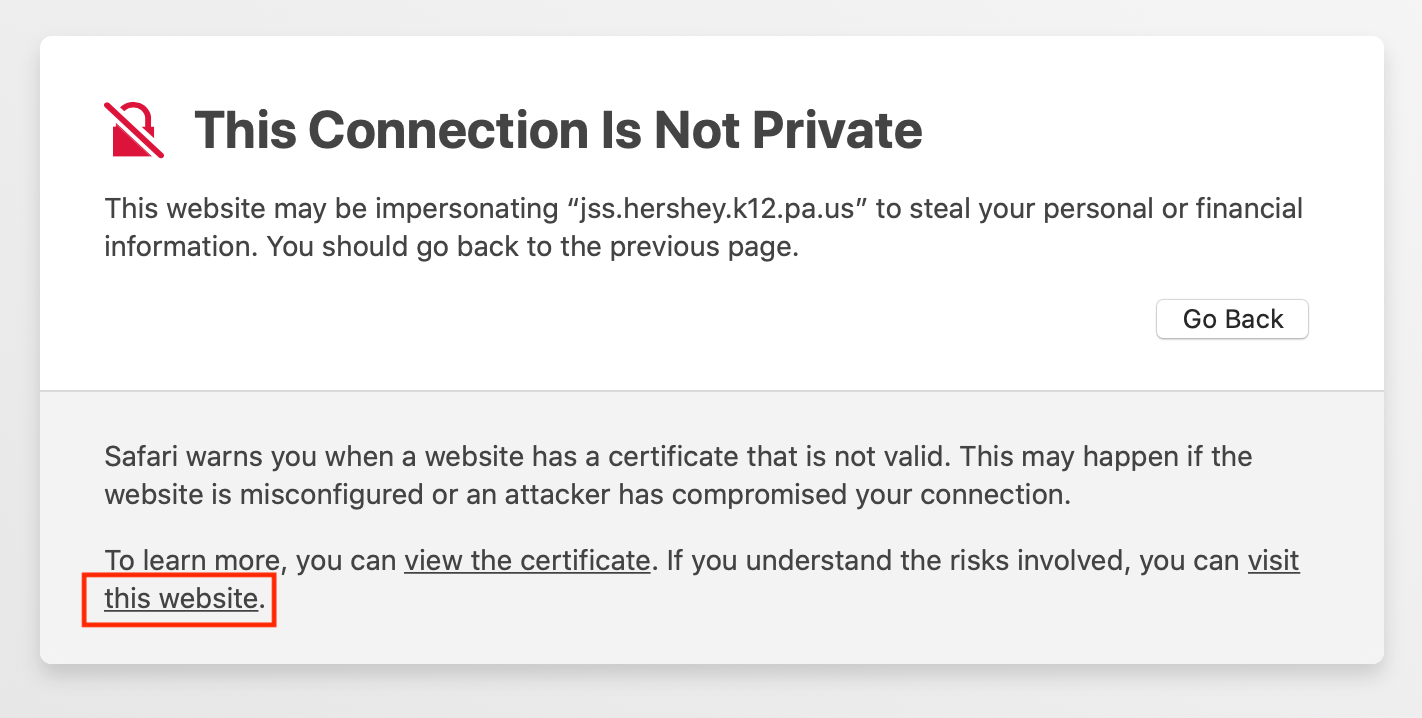
- Click on this website
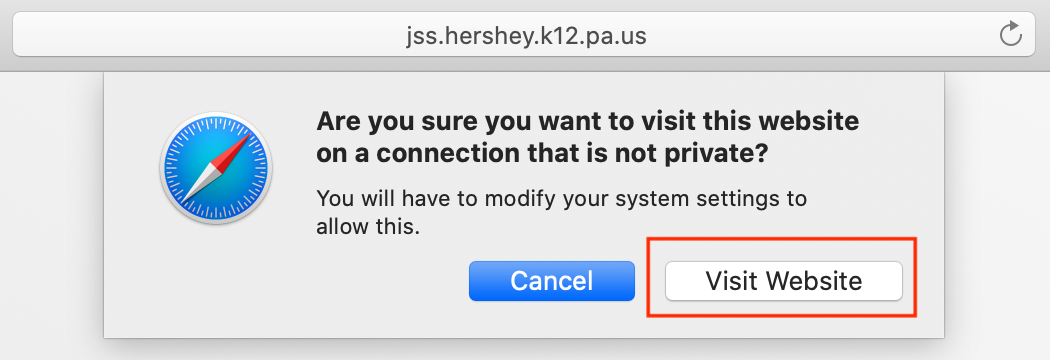
- Click Visit Website
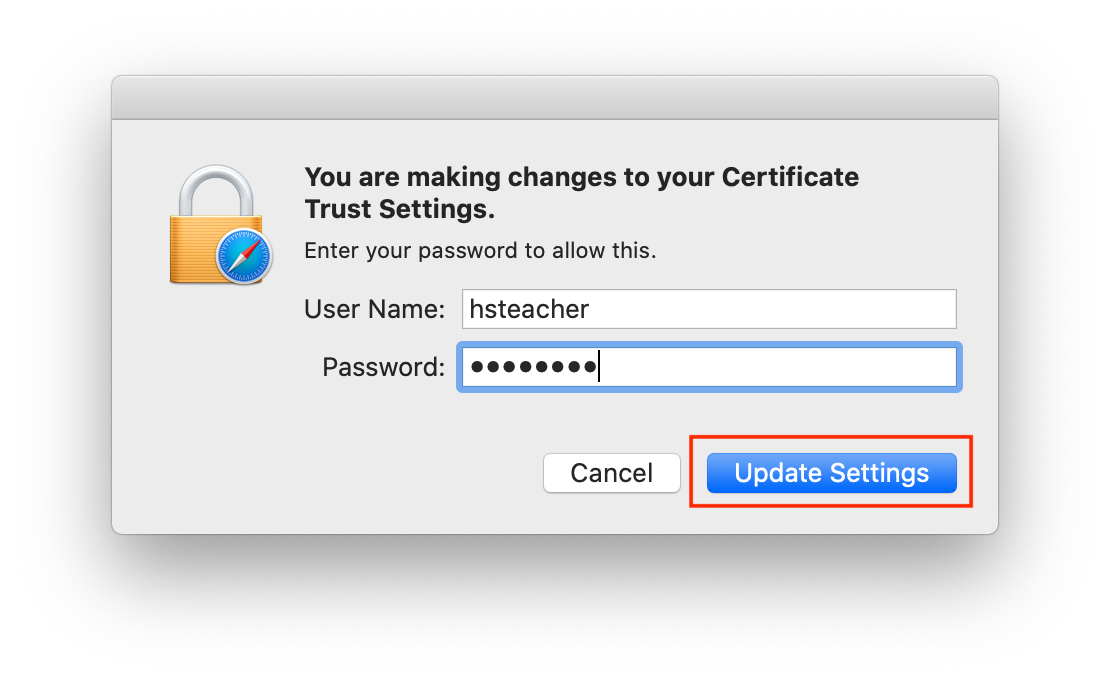
- Enter Your Computer Username and Password, then click Update Settings
Enrolling your MacBook
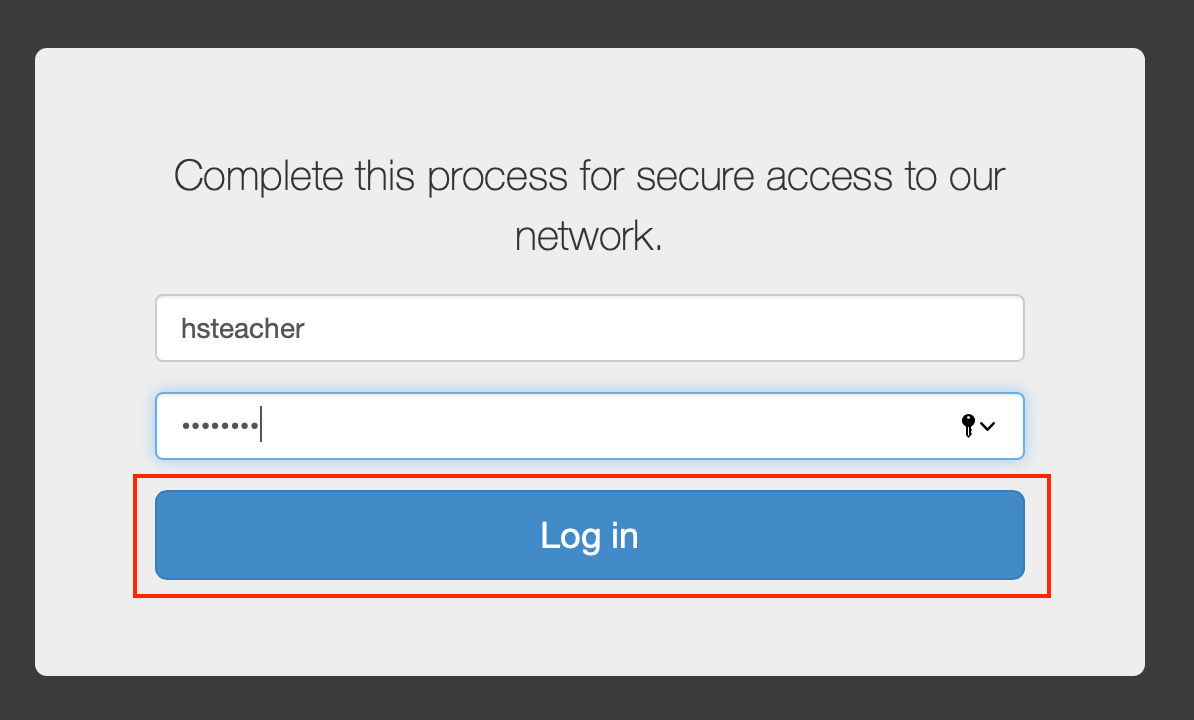
- Enter Your Network Username and Password, then click Log in
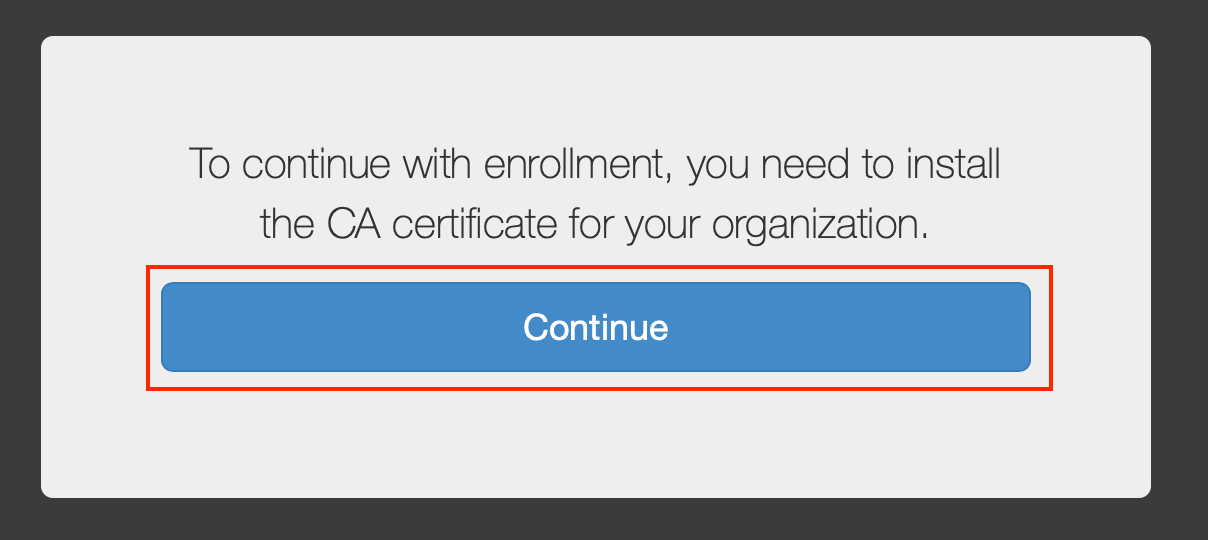
- Click on Continue to install the CA certificate
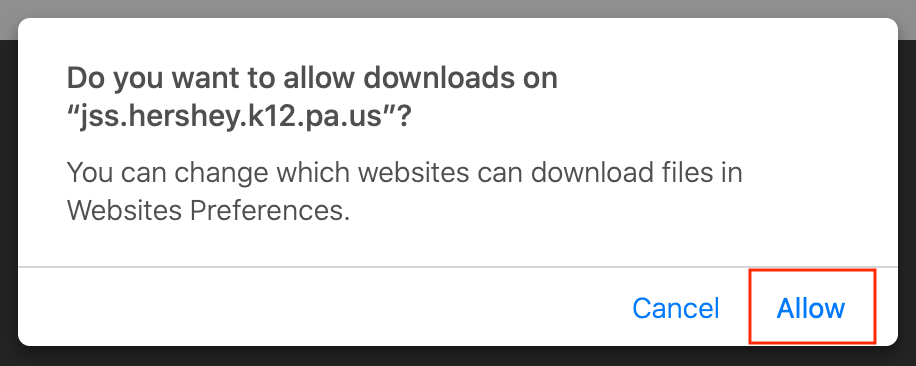
- Click on Allow to download the certificate
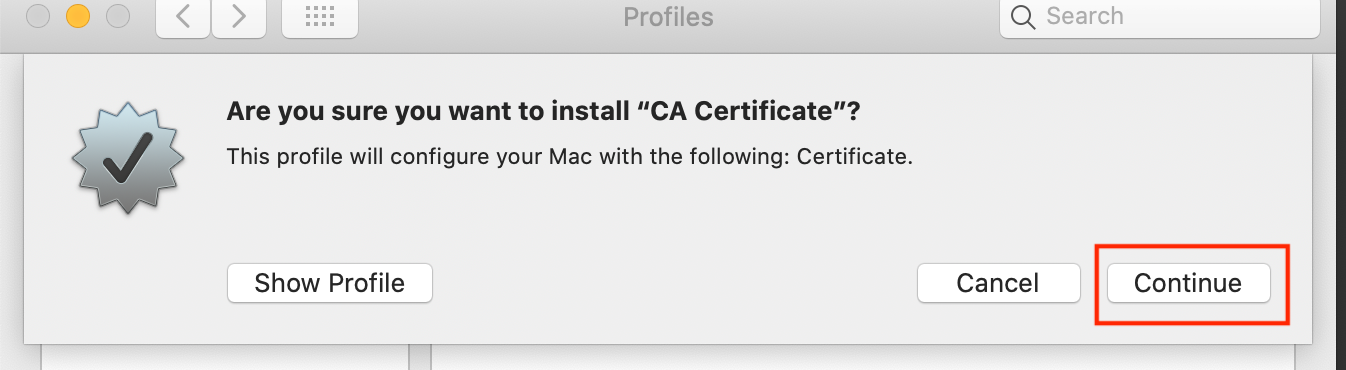
- Click on Continue
- Click on Install
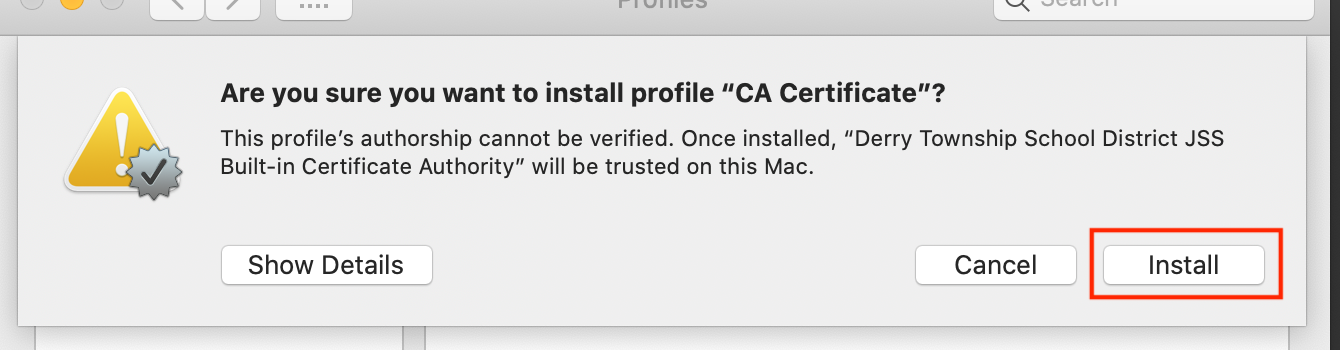
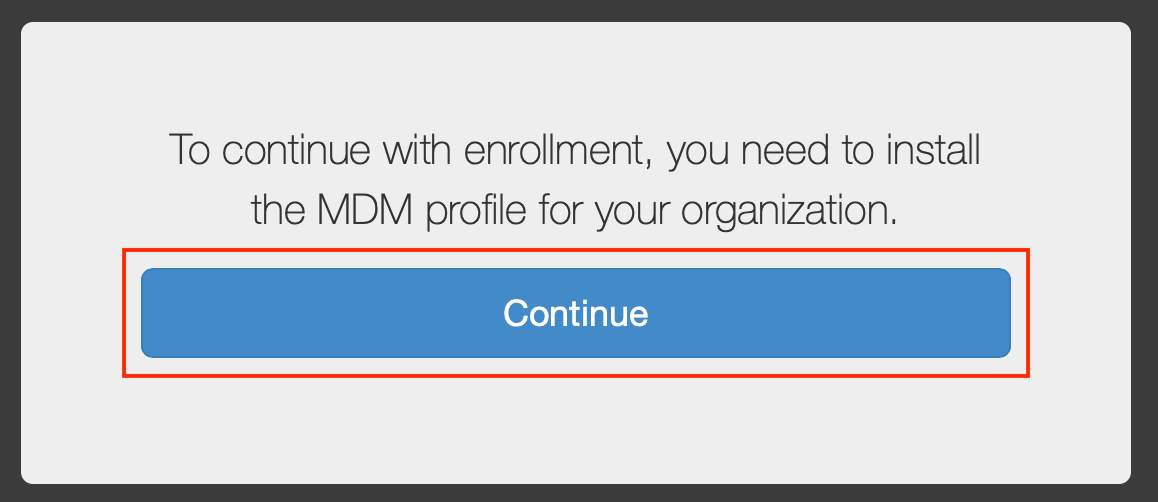
- Click on Continue to download the MDM profile
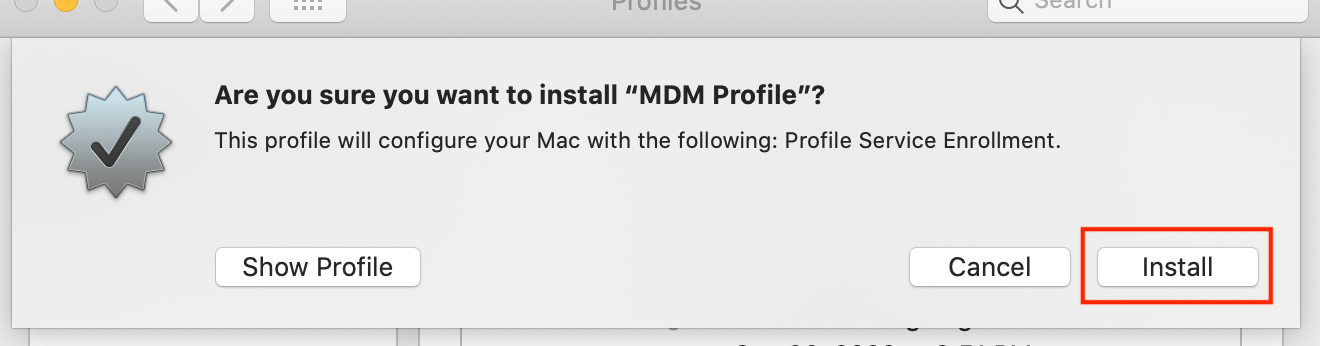
- Click on Install
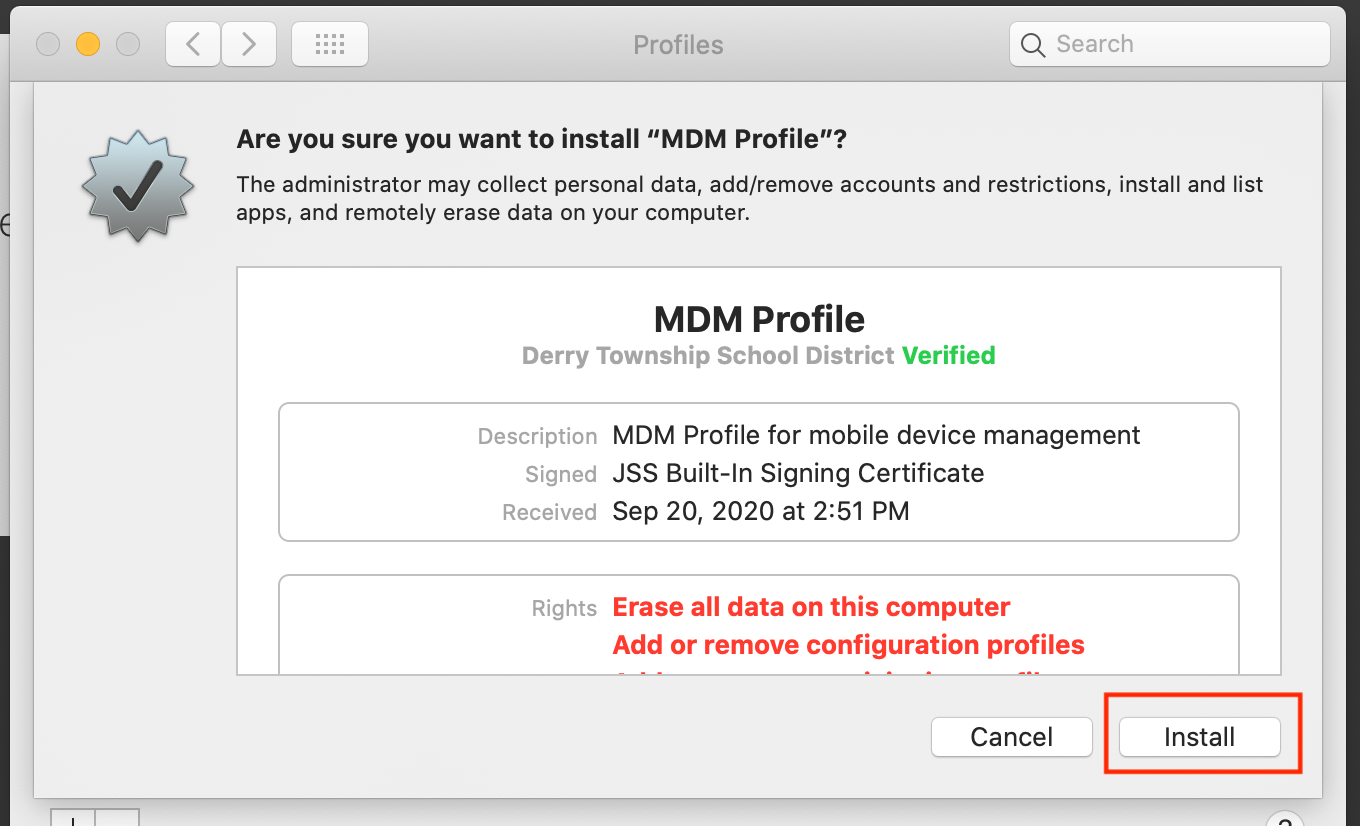
- Click on Install
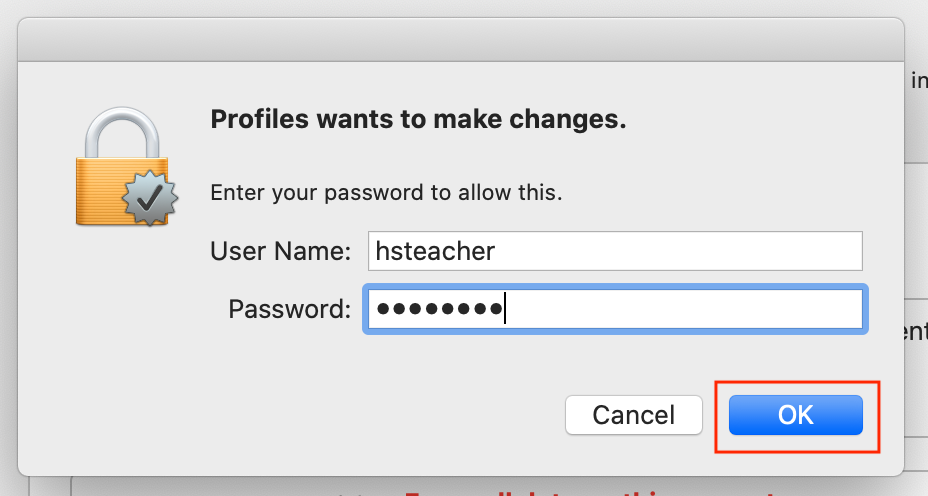
- Enter Your Computer Username and Password, then click OK
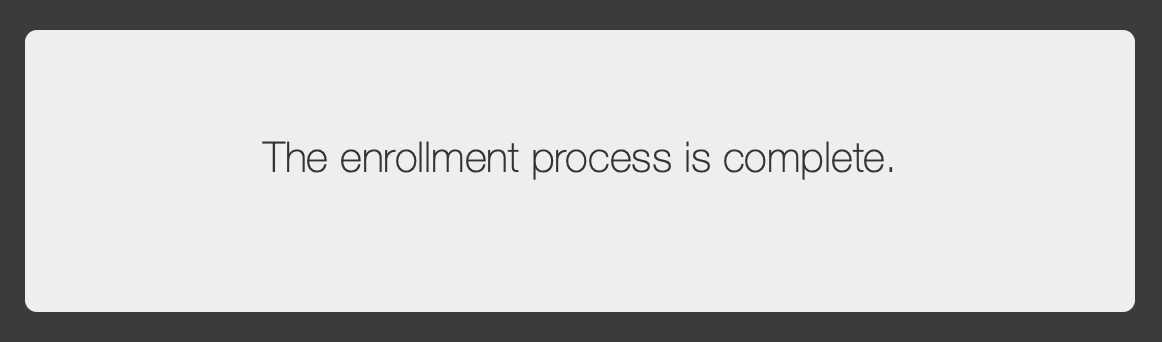
- Go to Safari or Chrome and verify that it says The enrollment process is complete
Comments
0 comments
Article is closed for comments.