
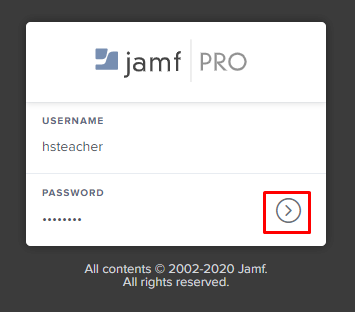
- Go to https://jss.hershey.k12.pa.us:8443/
- Log in using your network username and password
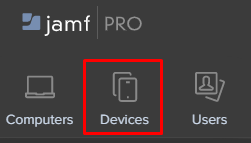
- Click on the Devices icon
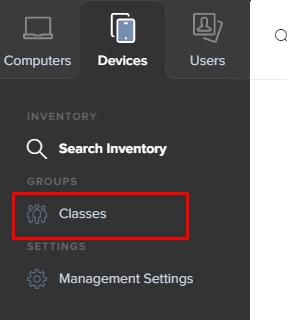
- Click on Classes under Groups
- Enter Your Name in the Filter Field
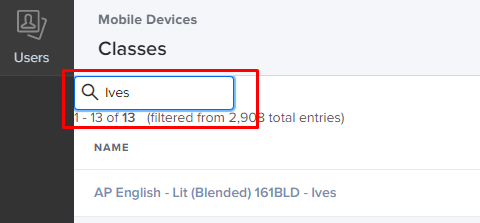
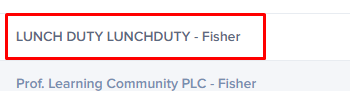
- Click on the Course you want to modify
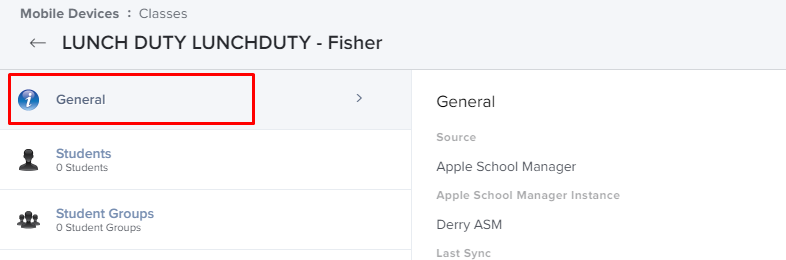
- Ensure you have General Section Selected
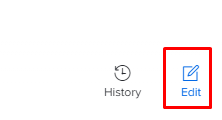
- Click Edit in the bottom-right side of the page
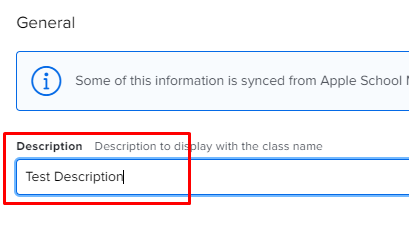
- Enter the description you want to display below the course
- Click Save in the bottom-right side of the page
- Next time your device syncs with our server (24 Hours) the tile will be updated
Before:
After:
Comments
0 comments
Article is closed for comments.